


Make Training Videos in Minutes: 7 Camera-Free AI Tools Worth Trying
- Posted in:
- Artificial intelligence
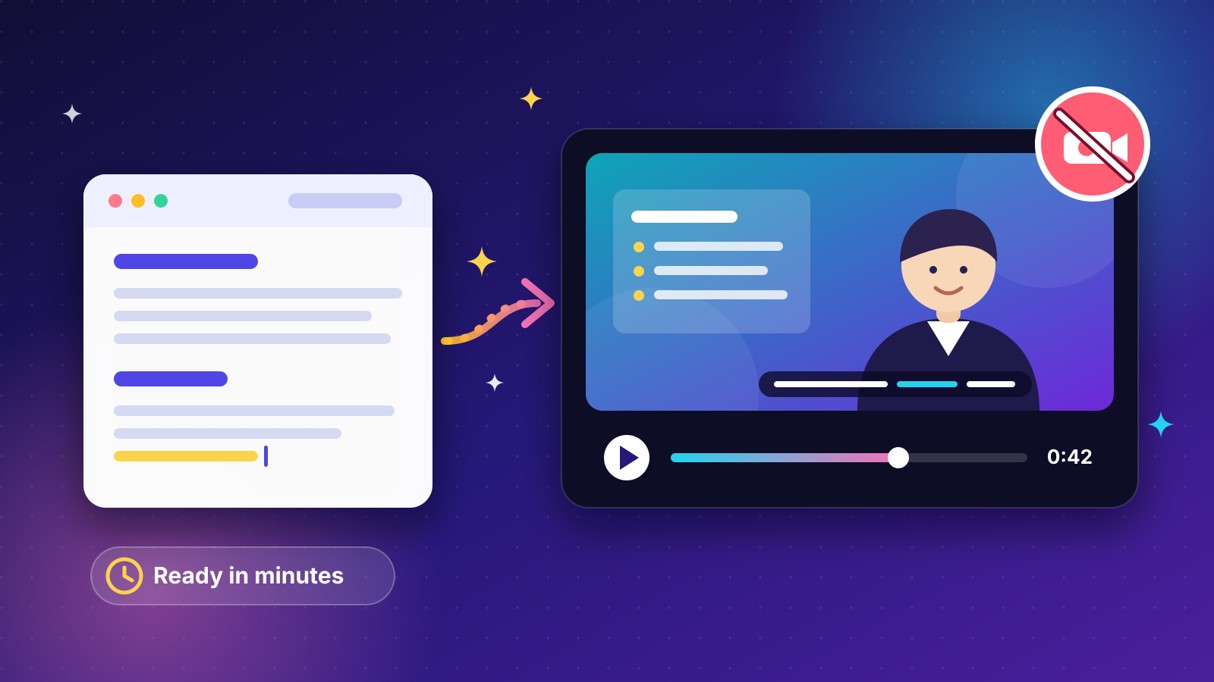
Training videos have a reputation problem. They take weeks to schedule, film, and edit. Then a policy changes and the whole thing needs a reshoot.
AI changes that math. You write a script, pick a presenter or visual style, and export a finished video in minutes. No camera, no studio, and no on-screen talent required.
This guide covers seven camera-free tools worth testing. We compare features, pricing, strengths, and weak spots so you can shortlist fast. Most offer a free plan or trial, which makes a side-by-side test easy. Prices come from public listings as of November 2026, so confirm them before you buy.
The short version
Seven tools made the cut. Magic Hour is the flexible all-in-one for short, visual training clips. Synthesia leads on polished enterprise avatars, while HeyGen shines at multilingual presenter video.
Colossyan is built for learning and development teams. Elai.io turns articles into avatar videos on a budget. Pictory converts blog posts into stock-footage videos, and D-ID offers the cheapest talking-head clips.
Platform | Starting Price | Best For | Key Differentiator | Free Trial |
Magic Hour | $10/mo (annual) | Short visual training clips | Video, lip sync, and image tools in one studio | Yes (free plan) |
Synthesia | About 29/mo | Enterprise training | Polished avatars, PowerPoint import | Yes (watermarked) |
HeyGen | $29/mo | Multilingual presenters | Strong video translation | Yes (free plan) |
Colossyan | $19/mo (annual) | L&D and LMS courses | Quizzes and branching scenarios | Yes (free plan) |
Elai.io | $23/mo (annual) | Article-to-video on a budget | Turns written content into video | Yes (1 minute) |
Pictory | $25/mo (annual) | Blog and script repurposing | Stock footage matched to text | Trial only |
D-ID | $4.70/mo | Cheap talking-head clips | Photo-to-video animation | Trial |
1. Magic Hour: Flexible visuals for short training clips
Magic Hour is a web studio that bundles several video tools in one place. It works well when you want quick, visual lessons instead of a talking executive. Think product walkthroughs, safety reminders, and microlearning clips.
What it does
Magic Hour offers text-to-video, image-to-video, lip sync, talking photo, and animation tools. Upload a product screenshot or a headshot, add your script, and generate a short explainer. Automatic subtitles and an API help teams repeat the process at scale.
Pricing
A free plan lets you test the tools before paying. Creator starts at $10 per month on annual billing. Pro and Business plans list at roughly $49 and $249 per month.
Pros and cons
Pros: A wide toolset, a low entry price, and fast output for short clips. Cons: Credit costs can feel confusing, and rendering can run slow. It is not built for long, SCORM-ready courses.
Who's using it
Marketers, creators, and small teams producing social-ready content use it most. It suits microlearning and product demos better than full LMS programs. Pair a one-minute script with a single learning goal, and the clips stay focused.
2. Synthesia: The enterprise standard for avatar training
Synthesia is the best-known name in avatar-led training video. It targets corporate teams that need consistent presenters across many languages. Think onboarding, compliance, and internal communications.
What it does
You pick an AI avatar, paste a script, and Synthesia narrates it in more than 120 languages. PowerPoint import converts existing slide decks into video. Enterprise plans add governance and SCORM export.
Pricing
The free plan gives about 10 minutes of watermarked video each month. Starter runs roughly $18 per month on annual billing, or $29 monthly. Creator and Enterprise tiers add minutes, custom avatars, and team features.
Pros and cons
Pros: Polished avatars, broad language coverage, and strong compliance features. Cons: Starter minutes vanish fast, and every video needs an avatar presenter. Faceless videos are not an option.
Who's using it
Synthesia reports more than 50,000 teams on its platform. It holds a 4.7 rating on G2, which is high for its category.
3. HeyGen: Multilingual presenter video, fast
HeyGen leans toward marketing and sales video, but it handles training content well. Its biggest strength is turning one video into many languages. That helps global teams avoid recording the same lesson repeatedly.
What it does
HeyGen creates talking-head videos with stock or custom avatars. Its video translation feature dubs your content into other languages. You can also build photo avatars from a single image.
Pricing
The free plan allows three watermarked videos per month. Creator costs $29 per month, and Business costs $149 for the first seat. A Pro tier sits between them.
Pros and cons
Pros: A generous free tier, strong translation, and quick results. Cons: The credit system adds complexity. Unused credits can expire, which punishes irregular production schedules.
Who's using it
Marketing, sales, and training teams all use HeyGen. It earns a 4.7 rating on Capterra from more than 300 reviews.
4. Colossyan: Built for learning and development
Colossyan is designed around workplace training. It speaks the language of L&D teams, with quizzes, scenarios, and LMS support built in. That focus makes it feel less like a video maker and more like a course tool.
What it does
Colossyan converts text, PDFs, and presentations into avatar-led lessons. It supports more than 70 languages. Interactive quizzes, branching scenarios, and SCORM or xAPI export fit directly into an LMS.
Pricing
A free plan lets you try the editor. Starter costs $19 per month on annual billing. Pro costs $59 per month, also billed annually.
Pros and cons
Pros: Interactive learning features that rivals lack, plus low entry pricing. Cons: Starter limits feel tight at scale, and mid-tier minute caps can frustrate busy teams.
Who's using it
L&D and HR professionals at small and mid-sized companies are its core audience. It fits compliance training, onboarding, and customer education.
5. Elai.io: Article-to-video on a budget
Elai.io targets teams that already have written content. Paste an article or script, and the platform builds an avatar video around it. That makes it handy for converting knowledge-base pages into lessons.
What it does
Elai.io offers more than 80 avatars and 75 languages. Its article-to-video feature turns text into scenes automatically. You can also create a custom avatar of a real presenter.
Pricing
The free plan includes one minute of video. Paid plans start at $23 per month on annual billing, or $29 monthly. Higher tiers add minutes and features.
Pros and cons
Pros: Low pricing and fast document conversion. Cons: Custom avatars depend on your source footage, and poor lighting produces weaker results. Credit-based limits also need watching.
Who's using it
Small teams and individual trainers use it to turn existing documents into video. It suits budget-conscious projects more than enterprise rollouts.
6. Pictory: Turn blog posts into stock-footage videos
Pictory takes a different route from avatar tools. It assembles videos from stock footage, captions, and voiceovers. You never see a presenter, which some training topics prefer.
What it does
Paste a script, blog post, or URL, and Pictory matches scenes with licensed footage. It adds captions and AI voiceovers automatically. Text-based editing lets you trim a video by changing the transcript.
Pricing
Pictory has no permanent free plan, only a trial. Starter costs $25 per month on annual billing, or $29 monthly. Video minutes and AI credits are separate budgets, so check both.
Pros and cons
Pros: Excellent speed for repurposing written content. Cons: It assembles existing footage instead of generating original video. Creative control is limited.
Who's using it
Marketers, bloggers, and educators use Pictory to repurpose long-form content. It works best for explainers built from existing text.
7. D-ID: The cheapest talking-head clips
D-ID started with photo animation and still excels there. Upload a portrait, add a script, and the face speaks. It is the lightest option on this list.
What it does
D-ID turns a still image and text into a talking video. It also offers an API and real-time conversational avatars. Output is a raw clip, so you will edit elsewhere.
Pricing
D-ID charges by credit, and each credit covers up to 15 seconds of video. Lite starts at $4.70 per month with 40 credits. Advanced reaches $108 per month with 400 credits.
Pros and cons
Pros: The lowest entry price here and flexible API access. Cons: You need a separate editing workflow, and credits round up in 15-second blocks.
Who's using it
Developers and creators build with its API. Its AI Agents product won a CES 2026 Innovation Award.
Frequently asked questions
Do AI training videos work as well as filmed ones?
For procedural and compliance topics, clarity matters more than production value. Keep videos short and test them with real learners. Update the script whenever policies change.
How do I choose between avatars and stock footage?
Pick avatars when learners benefit from a consistent presenter. Choose visual or stock-footage tools for process explainers and demos. Many teams mix both styles.
What will these tools really cost?
Sticker prices rarely tell the full story. Watch for credits, minute caps, and watermark limits. Divide the monthly price by the finished minutes you will actually produce.
Can I update a video without refilming?
Yes. Edit the script, regenerate the video, and publish the new version. That speed is the main advantage over traditional production.
How do I keep AI training videos accurate?
Review the script and the final render before publishing. Avatars read exactly what you type, so errors carry straight through. Ask a subject matter expert to approve each lesson.
Conclusion: Match the tool to the training
If you need fast, flexible visual clips, start with Magic Hour. Its free plan and $10 entry tier make testing cheap. It suits microlearning and product walkthroughs.
If you run enterprise compliance programs, Synthesia is the safest bet. If you build LMS courses with quizzes, Colossyan fits better. For multilingual rollouts, HeyGen deserves a trial.
Budget-focused teams should compare Elai.io, Pictory, and D-ID against their real volume. Choose based on the output style your learners need. Ready to skip the camera crew? Try Magic Hour's free plan and turn your next script into a finished training clip today.